
BayarBayar features
A closer look at each feature. Screenshots use sample data.
Home is a chat
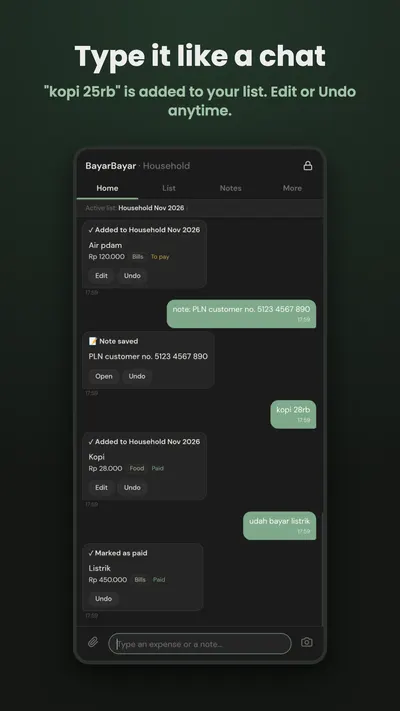
Type what you spent or need to pay: "kopi 25rb", "listrik 450k belum bayar", "bayar wifi".
The app answers right away, for example "Added to Nov 2026 Cash", with Edit and Undo.
Indonesian and English both work. Amounts like 25rb, 25k, 1,2jt or Rp 85.000 are understood.
Start a message with "note:" to save a note, like a PLN customer number.
Works offline: simple messages are read on your phone, no AI needed.
Expense lists and bills
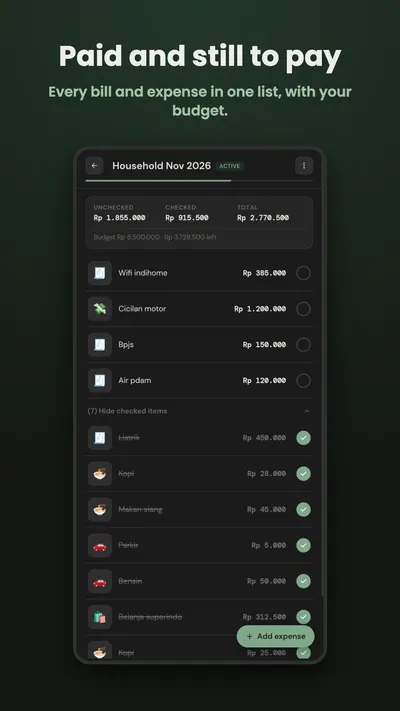
Make a list per month, per wallet or per trip, with an estimated budget.
See what is paid, what is still to pay, and how much budget is left.
Bill reminders on your phone, around the hour you choose.
Categories, comments and photos of receipts on every expense.
Notes about your money
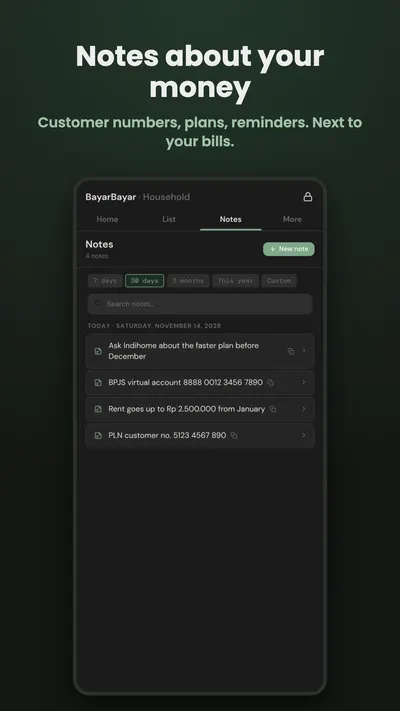
Keep customer numbers, virtual accounts, plans and reminders next to your bills.
Optional AI, your own key
Send a photo of a receipt or a bill and it is added for you.
Ask "bulan ini habis berapa buat makan?" and get a short answer.
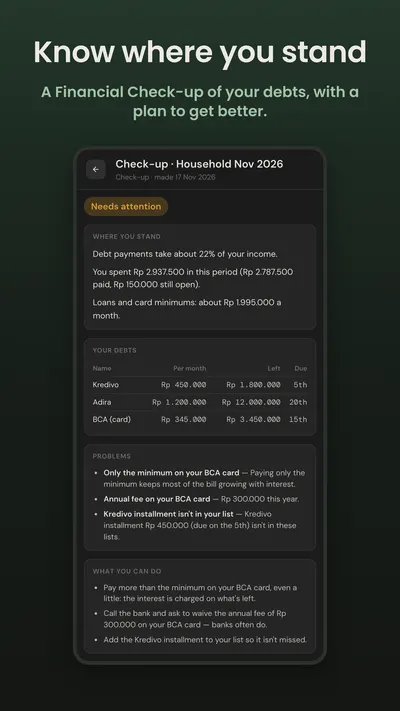
Financial Reports: totals for one or more lists or any dates, and a Financial Check-up of your debts with a plan to get better.
Choose Google Gemini, Claude, OpenAI or OpenRouter. Your key stays on your phone, and AI calls go straight from your phone to the provider you chose. A step-by-step guide shows how to get a free Gemini key with your Gmail.
Desktop Access
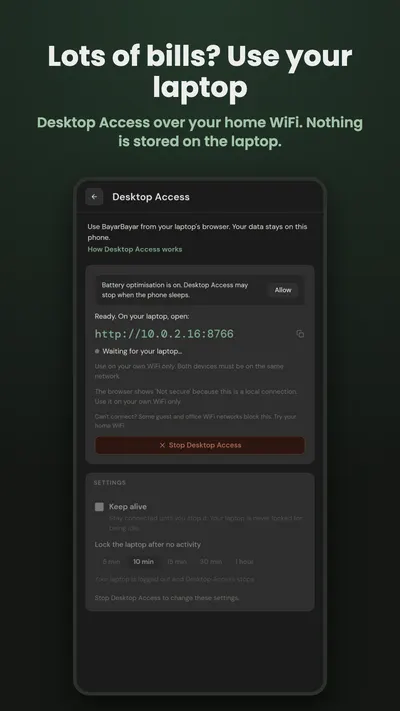
Lots of bills to add? Open BayarBayar in your laptop’s browser over your home WiFi and type with a real keyboard.
Your data stays on the phone. Nothing is stored on the laptop, and nothing goes over the internet.
Private by design
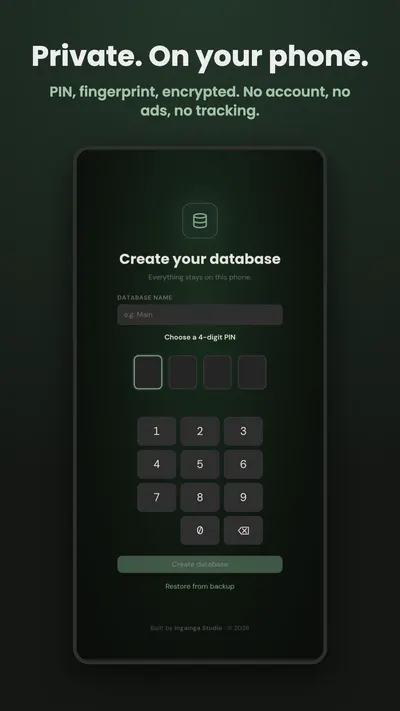
Everything is stored on your phone in an encrypted database.
PIN, recovery code, fingerprint unlock and auto-lock.
No account, no ads, no analytics, no tracking. We have no server and never see your data.
Several databases on one phone, for example one for home and one for a small business.
Backups are password-protected files you save yourself (for example to Google Drive). Uninstalling the app deletes all data, so make a backup.
One price
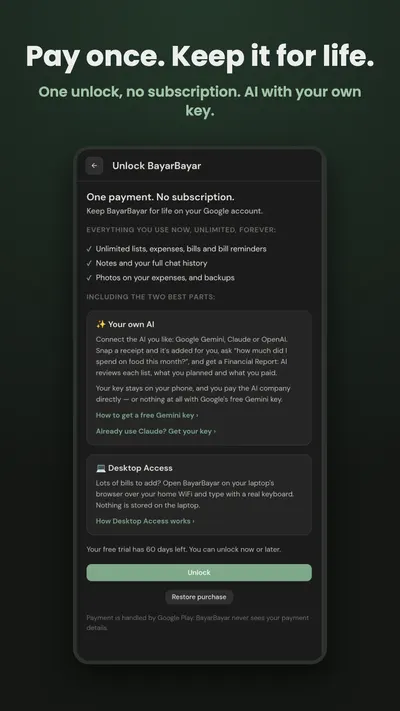
60 days free with every feature, AI and Desktop Access included.
After that, your data stays safe and readable, and you can still make backups. Unlock once for Rp 49.000 to keep adding and editing, for life on your Google account. No subscription.
Payment through Google Play (GoPay, OVO, DANA, phone credit, Indomaret/Alfamart, cards, whatever Google Play offers you).
Coming soon on Google Play